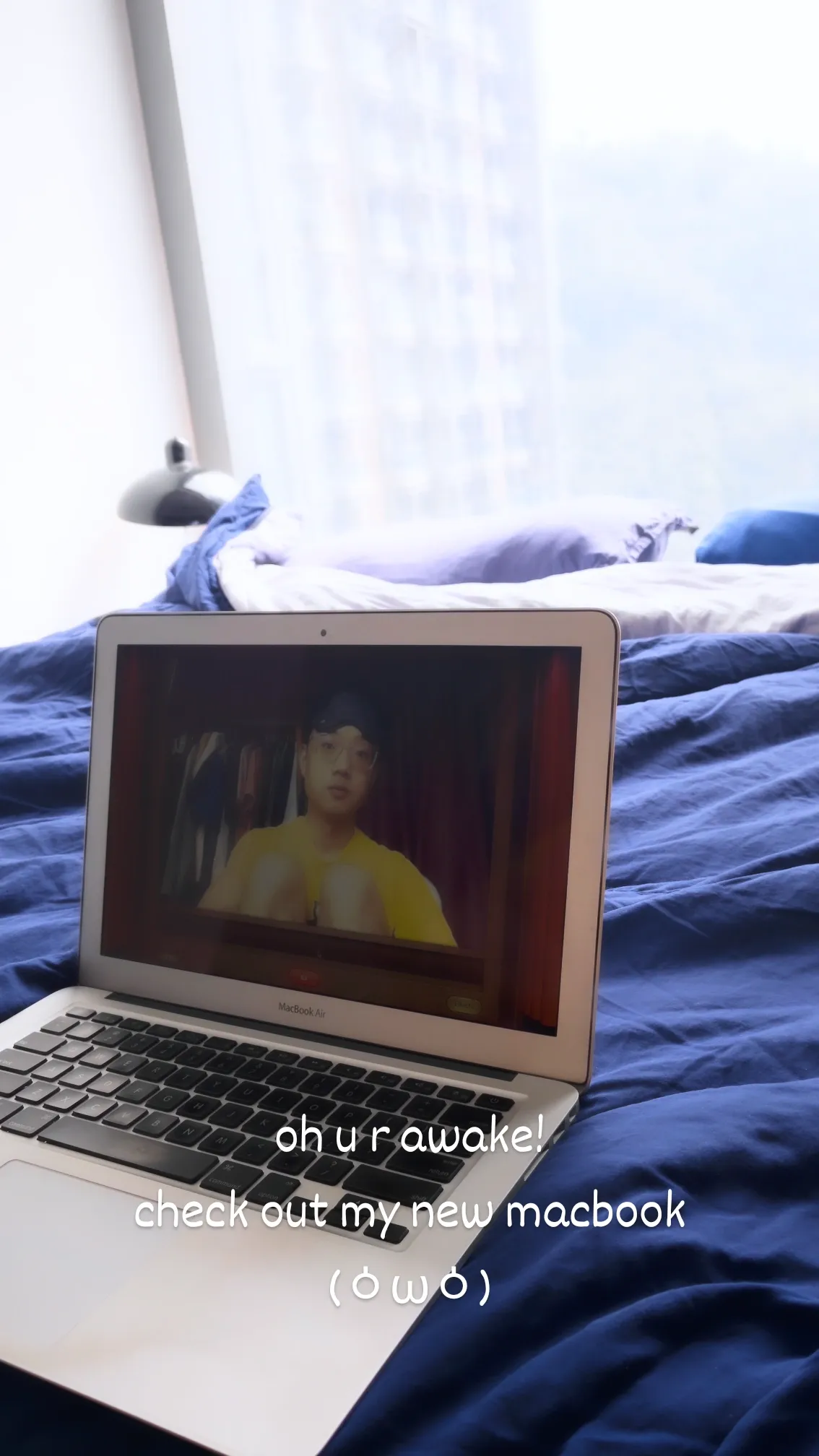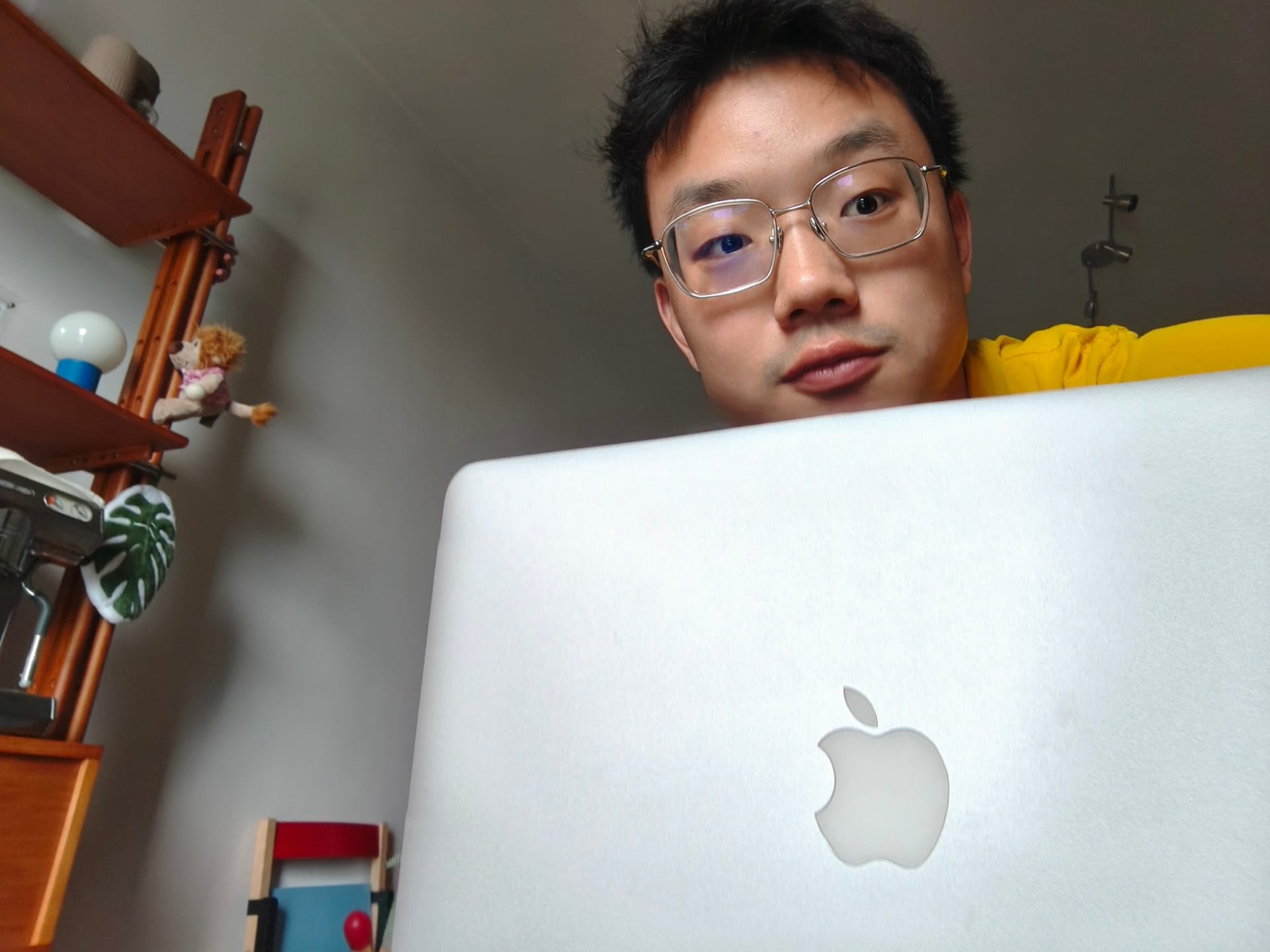
Me and Claude just did something kind of magical: we brought my mom's Late 2010 MacBook Air back to life by restoring OS X Lion on her, the software designed for that era of hardware. It took one day, a Linux PC, a stubborn USB stick, a pretty sneaky Wi-Fi hack, and a lot of photos of a sixteen-year-old screen. Here's how it went.
Why I went with Lion
Here are the specs if you're curious:
| Part | Spec |
|---|---|
| Model | MacBook Air 13-inch, Late 2010 (MacBookAir3,2) |
| Processor | Intel Core 2 Duo L9400, 1.86 GHz |
| Memory | 2 GB, soldered to the board |
| Graphics | NVIDIA GeForce 320M |
| Storage | 128 GB flash |
| Newest macOS Apple supports | High Sierra 10.13.6 |
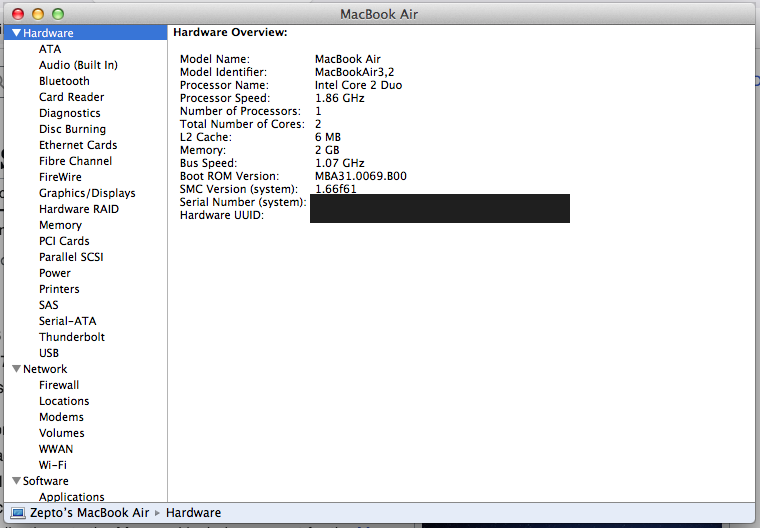
Officially she can go all the way up to High Sierra, but I went with Lion. Part of that is due to the practical reason, since Lion is a lot lighter on 2 GB of RAM. But mostly, I had to keep the 2010 aesthetic untouched - I love the skeuomorphism in Lion's textures and animations, from iCal's stitched leather to Address Book's paper pages.
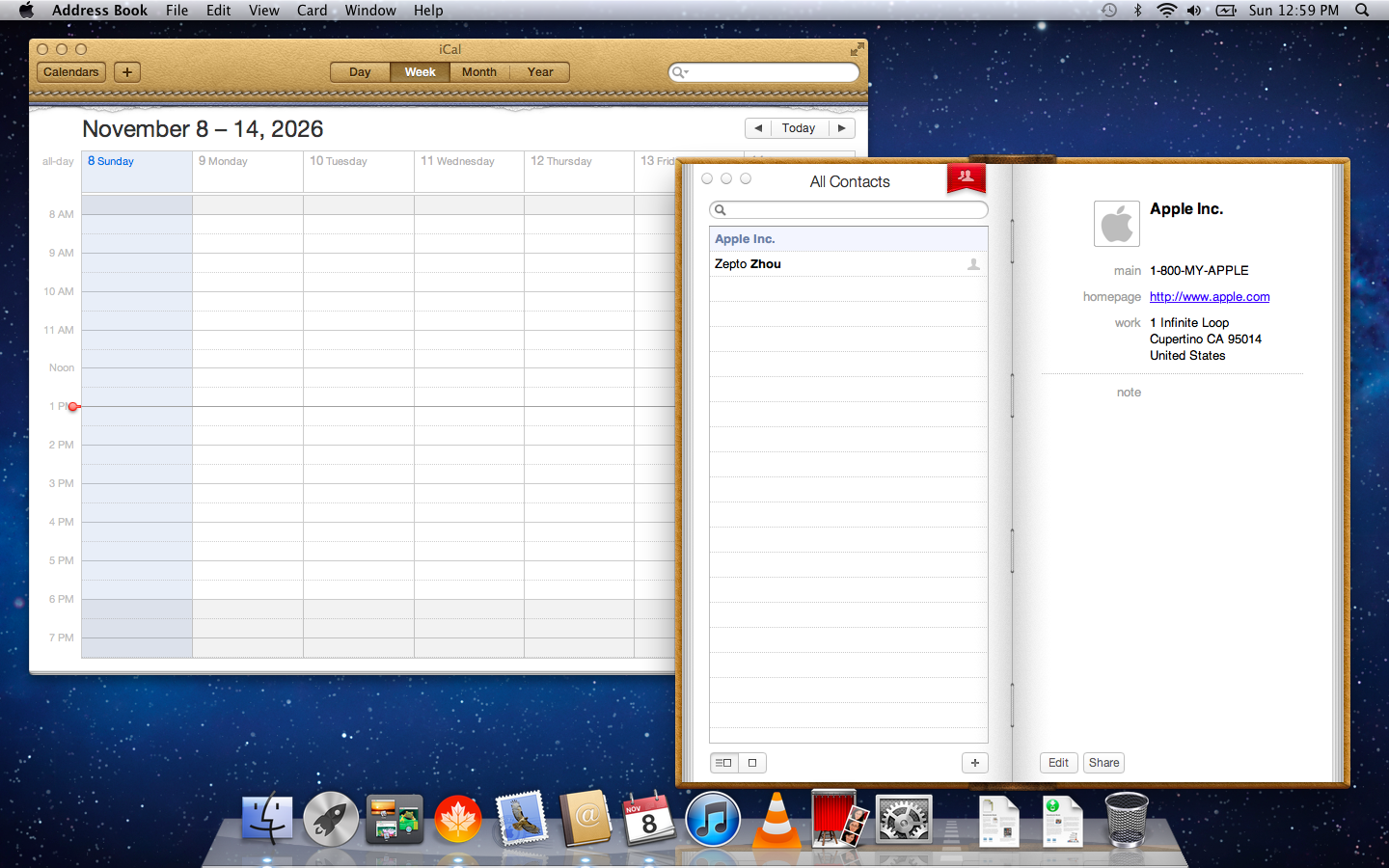
I'd already tried Linux on this machine a couple of years ago, and even a lightweight desktop crawled. So this time I wanted to give the hardware the software it was built for. Claude did the heavy lifting from my Linux PC and me reading the Mac's screen back to it.
Step 1: getting the USB installer to boot
My first attempt was a naive one - I grabbed a "Mac OS X Lion 10.7.5.iso" from archive.org, flashed it onto a USB stick with the disk utility and held Option at boot. The Mac happily picked it up and showed the Apple logo... and then swapped it for the dreaded 🚫.
Claude figured out why pretty quickly. That "ISO" wasn't really an ISO, just the bare installer volume with no partition table around it. The Mac's firmware is forgiving enough to load the bootloader from it, which is why I got the Apple logo, but Lion's kernel finds its startup disk by partition type. No partition table means no type to find, so it just sat there waiting forever.
And to be fair to archive.org, the file itself was fine. When Claude compared it with the volume inside Apple's official download, the SHA-1 matched exactly, so the data was right the whole time and only the way it was packed was wrong.
So we rebuilt the installer from Apple's own InstallMacOSX.dmg, which Apple still hosts on its download page. Claude wrote a couple of small Python scripts and peeled the thing like an onion: the compressed .dmg held a disk, the disk held an installer package, the package held another disk image called InstallESD.dmg, and that one finally held the real installer volume. Then, it wrapped the installer volume in a proper GPT disk layout, which is what Intel Macs expect, and mounted the result to make sure the bootloader, the kernel and all the installer packages were in there.
Writing it to the stick was the final step.
sudo dd if=Lion-10.7.5-USB.img of=/dev/sda bs=4M status=progress conv=fsyncStep 2: installing Lion
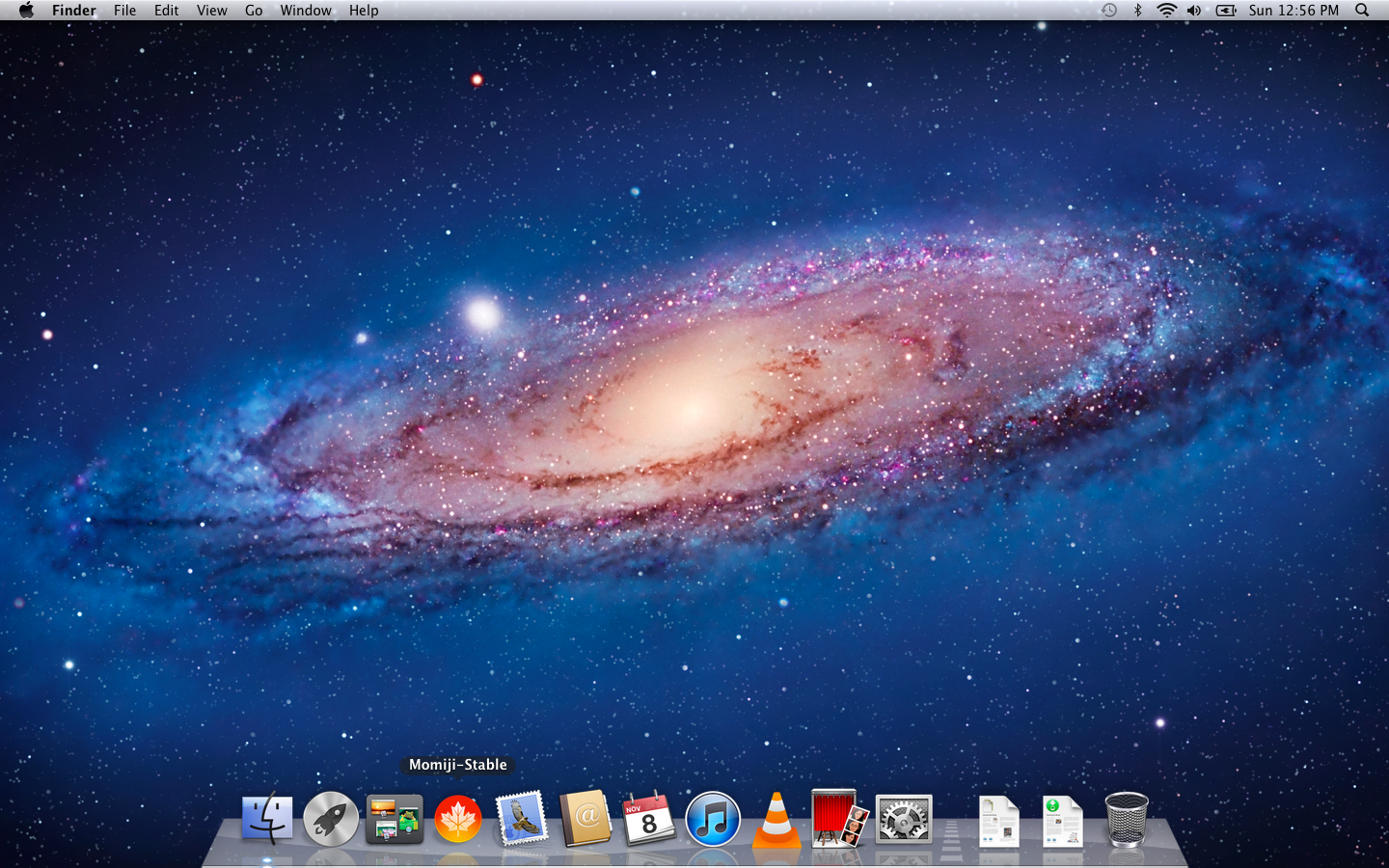
Compared to the USB saga, this part was refreshingly boring. I held Option at boot, picked Mac OS X Install ESD, and opened Disk Utility to erase the internal drive (GUID Partition Table, Mac OS Extended (Journaled)). Then I clicked Reinstall Mac OS X, waited a while, and Lion was back.
Step 3: making modern WPA3 Wi-Fi work
This is where it got fun. My home Wi-Fi runs on a TP-Link Deco mesh with Wi-Fi 7, set up the way most new routers come, with WPA2 and WPA3 switched on together. Lion took one look at it, decided it was an enterprise network, and asked me for a username I've never had.
I tried everything a normal person would. Join Other Network as WPA2 Personal said no network found, the networksetup command failed, and even switching the router to WPA2 only didn't help.
Lion has a hidden command-line tool called airport, and its scan gave the game away: my network showed up as WPA2(PSK,unknown/AES/AES). The router offers two ways to log in, a normal WPA2 password (method 2) and WPA3 (method 8). Lion has never heard of 8, so it panics and files the whole network under Enterprise, even though the router would happily take a WPA2 password.
Then Claude came up with a clever trick. Lion ships with Python 2.7 and PyObjC, a bridge into Apple's own frameworks. So we could grab Lion's scan result through CoreWLAN (Apple's Wi-Fi framework), quietly delete the 8, and ask Lion to join what now looked like a plain WPA2 network. I typed it in line by line on the Mac:
import objc
objc.loadBundle('CoreWLAN', globals(), '/System/Library/Frameworks/CoreWLAN.framework')
iface = CWInterface.interface()
r = iface.scanForNetworksWithName_error_('HomeWiFi', None)
nets = r[0] if isinstance(r, tuple) else r
net = max(nets, key=lambda n: n.rssiValue())
rec = net.valueForKey_('scanRecord').mutableCopy()
rsn = rec['RSN_IE'].mutableCopy()
rsn['IE_KEY_RSN_AUTHSELS'] = [2]          # keep WPA2 password login, drop WPA3 (8)
rec['RSN_IE'] = rsn
net.setValue_forKey_(rec, 'scanRecord')   # Lion now sees "WPA2 Personal"
iface.associateToNetwork_password_error_(net, 'your-wifi-password', None)
When the last line printed 1, a checkmark showed up next to my network in the menu bar. We were online! 🎉
To make it stick, Claude turned the trick into a small background job (a LaunchAgent) that checks every 30 seconds and rejoins if the Mac isn't connected. We tested it by switching the Mac's Wi-Fi off and back on remotely, and about 25 seconds later it was back. After a full restart, it rejoined right at login.
Step 4: letting Claude drive
Up to this point I'd been typing commands on the old keyboard and sending Claude photos of the screen. Once the Mac was online, I turned on SSH so Claude could work on it straight from my Linux PC.
Lion's SSH server is old enough that modern SSH won't talk to it out of the box. It doesn't know ed25519 keys and only signs with SHA-1 ssh-rsa, which newer OpenSSH turns off. A separate RSA key plus this entry in ~/.ssh/config sorted it out:
Host lionmac
    HostName Your-MacBook-Air.local
    User you
    IdentityFile ~/.ssh/id_rsa_lionmac
    IdentitiesOnly yes
    HostKeyAlgorithms +ssh-rsa
    PubkeyAcceptedAlgorithms +ssh-rsa
After that it was just System Preferences > Sharing > Remote Login on the Mac and one ssh-copy-id -i ~/.ssh/id_rsa_lionmac.pub lionmac with my Mac password, and Claude was in. Anything that needed admin rights went into a script I ran myself with ssh -t lionmac sudo bash script.sh.
Step 5: getting a modern browser
Lion's Safari only speaks TLS 1.0, and most websites now want TLS 1.2 or newer, so a lot of the web just won't open in it. Fun fact though: baidu.com still loads perfectly fine on the original Safari.
The way around it is a browser that brings its own encryption. Momiji is Firefox 153 ESR rebuilt for OS X 10.7 through 10.14 by a small community project, and it's still being updated.
Claude downloaded it on the Linux side and installed it over SSH. Seeing a 2026 Firefox open on a Lion desktop was honestly pretty exciting:
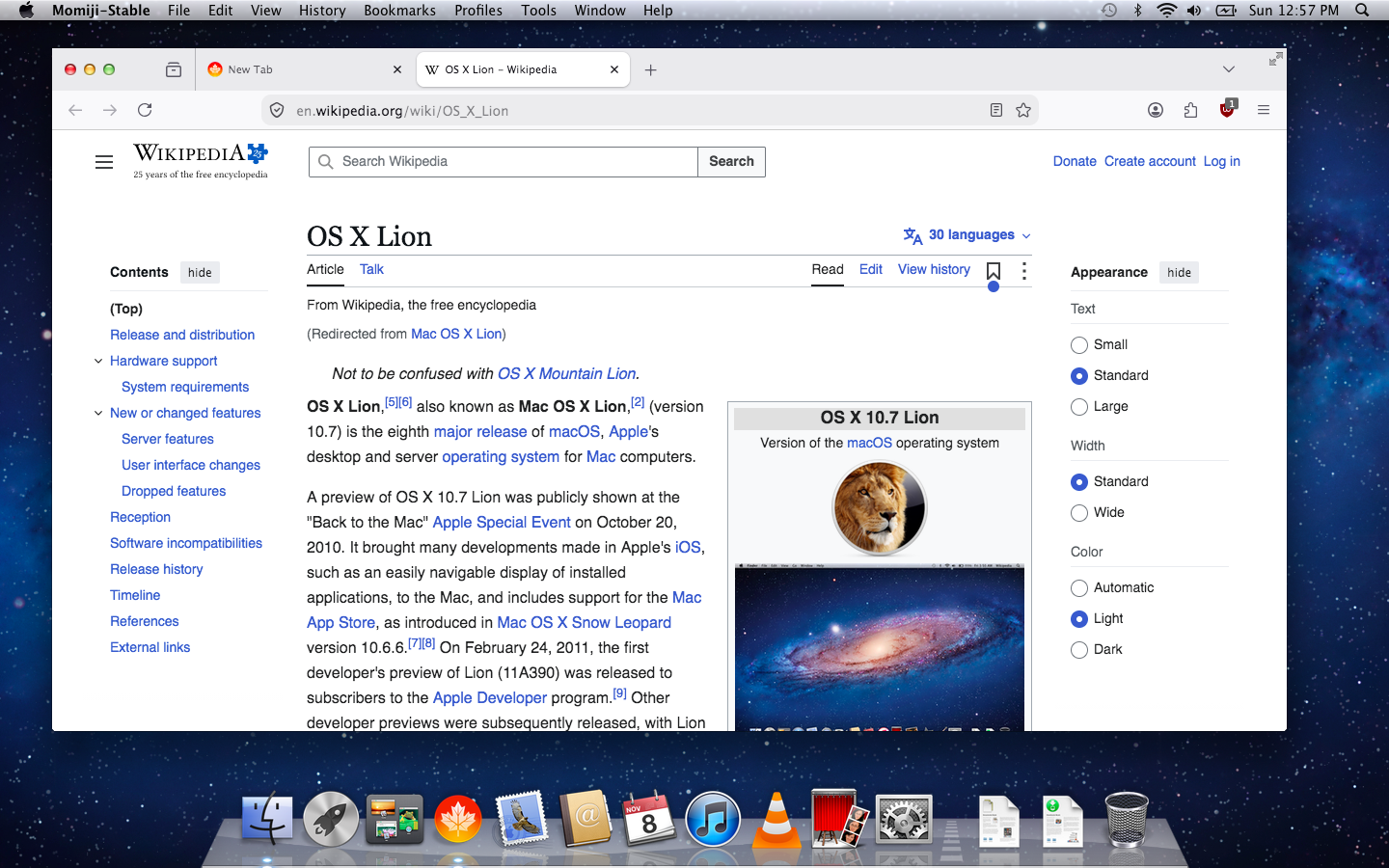
The first launch was rough, though. Momiji spawned 10 processes and the poor Mac's fan started ramping up like crazy. So Claude added a policies.json inside the app (Firefox's admin settings file) that installs uBlock Origin and enhanced-h264ify, which makes YouTube send video in H.264, a format this old CPU handles much better. It also turns off telemetry and sponsored tiles.
Claude also made Momiji the default browser and dropped a user.js into my profile to keep Firefox down to two content processes:
user_pref("fission.autostart", false);          // no separate process per site
user_pref("dom.ipc.processCount", 2);           // two content processes
user_pref("dom.ipc.processPrelaunch.enabled", false);
user_pref("browser.tabs.unloadOnLowMemory", true);
For video files, VLC 3.0.24 still supports 10.7.5, so that went in too.
Step 6: spring cleaning
Lion still runs a bunch of background services for Apple things that died years ago: iCloud on Lion, MobileMe, the App Store, Find My Mac. On a 2 GB machine every megabyte counts, so we switched off 21 of them. We also deleted App Store, FaceTime and iChat, since their servers don't talk to Lion anymore, and turned off Dashboard and Resume (the feature that reopens every app at login).
At one point Claude also turned down Lion's window animations to make things feel snappier. I made it put them back right away. Those animations are half the reason I wanted Lion in the first place!
So did all this help? Here's free memory and pageouts (memory pushed out to disk, which is what makes a 2 GB Mac feel laggy):
| Moment | Free memory | Pageouts since boot |
|---|---|---|
| Before cleanup (Terminal, System Preferences open) | 742 MB | 41 |
| First Momiji launch, before tuning | 290 MB | 343,883 |
| After cleanup and restart, at login | 1,188 MB | 0 |
| After cleanup, Momiji open with one tab | 388 MB | 28 |
Hundreds of thousands of pageouts down to 28. That's the difference between "ugh, laggy" and "hey, this is usable".
What still doesn't work
Let's be real, it's still a 2010 laptop running a 2011 operating system, so a few things are gone for good. App Store, iCloud, FaceTime, Messages and Software Update don't work on Lion anymore. Mail.app can't connect to Gmail, iCloud or Outlook either, because they need TLS 1.2. And Safari only works on the few sites that still accept old encryption, plus plain http:// pages.
Why this laptop means so much to me
This MacBook Air was my mother's, and it's where my whole life online started. She bought it around 2010, right when it first came out in China, and it was expensive enough that she meant it as a gift for someone else, but for reasons she never fully told me, that gift never happened.
So it sat on top of the wardrobe for about two years, because to her it was way too much of a luxury for our family to, well, daily drive. Then one day she finally wrapped her head around it and figured she might as well use it herself, since a laptop is better off being used than gathering dust. She set it all up on her own, which still impresses me, because she's a primary school teacher and not exactly a tech person, but Apple's design back then made it easy enough, and it ended up being her work machine for years.
And of course, younger me begged her for the password until she finally gave in. I was in primary school back then, and I spent whole summer holidays sitting in the air-conditioned room on this laptop doing all the stuff kids do. It's where I made my first Twitter account, then Facebook, and then pretty much every social network that came after. Back in 2013, the Great Fire Wall of China was not doing a as impeccable of a job as of nowadays, and I could easily go over to Chrome web store and grab extensions for me to get around all the censoring. The machine was my portal to a greater world across the border and I learnt so much from sites like YouTube and Wikipedia.
Eventually it got too slow for her work, so she switched to a Surface laptop I gave her, which she still uses today, and the Air just went back to its old spot on the desk and stayed closed. Two years ago, when I was home for Chinese New Year, I asked her if I could take it and try to bring it back to life.
That's when the idea behind this whole post hit me: what if I ran the software this hardware was made for? With Claude doing the heavy lifting, it worked, and here we are.
I don't think I'm the only one feeling this way lately. Everywhere I look, people are digging old iPods, digital cameras and laptops out of drawers and bringing them back to life, more and more often with AI helping them through the hard parts. I think a lot of it comes from missing craft, the things people designed by hand and with a lot of care, like Lion's stitched leather and linen textures, at a time when so much of what we see online feels generated and the same.
Which makes this whole thing a bit ironic. We complain about AI slop all the time (I might write something about this at a later point), and yet AI is what helped me bring a very human piece of design back to life. Claude helped me dig through Apple's old disk formats, figure out why Lion couldn't read my Wi-Fi and get a 2010 laptop doing what it was designed to do again, and honestly, that's the kind of AI help I'm happy to have.
Hearing the startup chime again brought back so many memories, and so did the glowing Apple logo on the lid, which Apple has only recently started bringing back, and just the shape of the machine itself. What I'm looking forward to most now is Photo Booth, with the camera and all of its weird effects.